
Targets
Identify who needs help and what they need.
People need help. Routes need choices.
Build a rescue around people’s needs, changing danger, practical routes and limited transport.

People first. Routes under pressure.
Give each decision a visible cost and a possible gain.
Identify who needs help and what they need.
Set the threat and how quickly it changes.
Work with available teams, tools and transport.
Show full and partial success clearly.
Plan from first access to safety
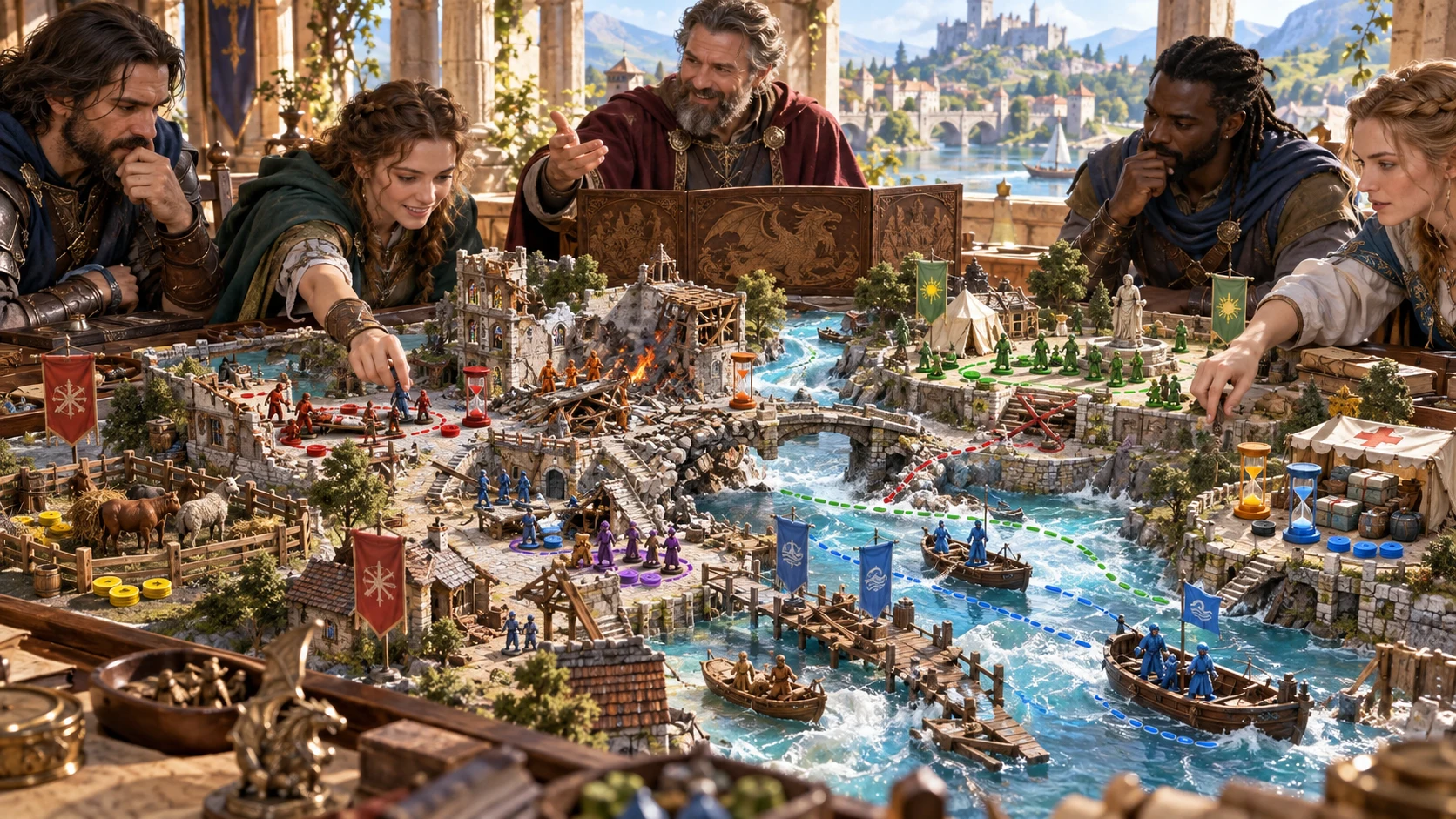
The illustration represents a rescue operation, not an application screenshot.
Choose the emergency, who needs help, the threat and urgency.
Add target conditions, teams, equipment, transport, route capacity and safe zones.
From first access to safety
Test each route against danger, time and carrying capacity.
Choose context, targets, threat and urgency.
Establish primary and alternate routes.
Connect teams and transport to people’s needs.
Prepare complications, decisions and success tiers.
The rescue operation workspace
Make each choice matter with full and partial success outcomes.
Plan injuries, consciousness, panic, mobility and dependants.
Choose the threat, environment, targets and urgency.
Match available help and carrying capacity to the rescue.
Prepare access points, route choices and places of safety.
Use danger clocks, complications and difficult priorities.
Show what each outcome saves and what remains at risk.
Lock useful details, regenerate sections and revisit saved versions.
Copy, export JSON or print the DM operation or reviewed player objectives.
Quick foundation and deeper detail
Add the details that make each route and priority matter.
Set target types and numbers, environment and urgency.
Describe injuries, panic, consciousness and mobility.
Add teams, tools, transport, capacity and safe zones.
Add hostile parties, worsening danger and difficult priorities.
Refine an operation worth keeping
Keep the details that fit your table as the plan develops.
Refine the operation and undo changes.
Regenerate selected sections and lock useful details.
Revisit rescues in your account library.
Rename, duplicate and add tags and notes.

A rescue ready for the table
Review target groups, injuries, mobility and the help each person needs.
Compare route choices, changing danger, available transport and evacuation capacity.
Review decisions, success tiers and the selected DM operation or player objectives before sharing.
A focused extraction operation
Keep people, routes and evacuation capacity in the rescue workspace.
Track conditions, routes, clocks and limited transport.
Prepare one selected encounter in Combat Pro.
That encounter stays inactive until you choose to run it.
Review DM material and separate player objectives before sharing.
Generator access and pricing
Choose access for this selected generator or an eligible pack.
Review current standalone access and pricing.
Check whether a current pack includes this generator.
Use your account to review premium product access.
Create a free VISINVOKE account; premium access remains separate.
VISINVOKE means value
Bring people’s needs, practical routes, changing danger and limited help together.

Account for injuries, mobility, panic and dependants.
Compare routes with transport and rescue teams.
Keep rescue versions with tags and notes.
Show what full and partial success saves.
Explore your VISINVOKE workspace
Each card opens its own product website. Review purpose and access separately; related products do not promise included access or automatic synchronisation.

Open your VISINVOKE desktop products.

Prepare a live exchange after an established social mistake.

Build the wider setting around your campaign.

Develop the places your party travels through.

Explore separate adventure environments.

Explore separate fantasy image creation.
Product artwork is illustrative, not application screens or actual generated image output.
Quick answers
Understand target needs, routes, capacity, saved operations and optional encounter preparation.
Build a rescue operation around people’s needs, changing danger, route choices and limited transport. Receive a brief, target roster, triage states, zone and route map, danger clocks, extraction capacity, complications, decision points, success tiers, aftermath and running notes.
Use fires, floods, collapses, avalanches, mines, battlefields, monster attacks, sieges, sinking vessels, magical contamination or the aftermath of a hostage crisis. Choose who needs help, the environment, threat and urgency.
Quick preparation sets context, target types and numbers, threat, environment and urgency. Deep preparation adds injuries, consciousness, panic, mobility, dependants, animals and cargo; teams, equipment, transport, route capacity and safe zones; hostile parties, worsening danger and priorities.
Edit the operation, lock established details, regenerate selected sections and undo changes. Save versions to your signed-in account library, rename or duplicate a rescue, add tags and notes and reopen it later. Target states, clocks and route decisions remain editable.
Copy the complete Dungeon Master operation or the separate player objectives, download the finished rescue as JSON or print the selected version. Review your selected view and private material before sharing it with players.
Optionally prepare one selected encounter in Combat Pro when a rescue location can involve a fight. It stays inactive until you choose to run it. People’s conditions, rescue priorities, routes, danger clocks, transport limits and unselected threats stay in this generator. It focuses on extraction rather than managing a wider disaster, ongoing chase or live combat. Open it from Desktop Command Centre’s Generators collection and review current account access.
Continue in VISINVOKE
Create a free VISINVOKE account and review current generator access.
Use your account installer page for Desktop Command Centre.
Open Rescue & Extraction Generator from the Generators collection.